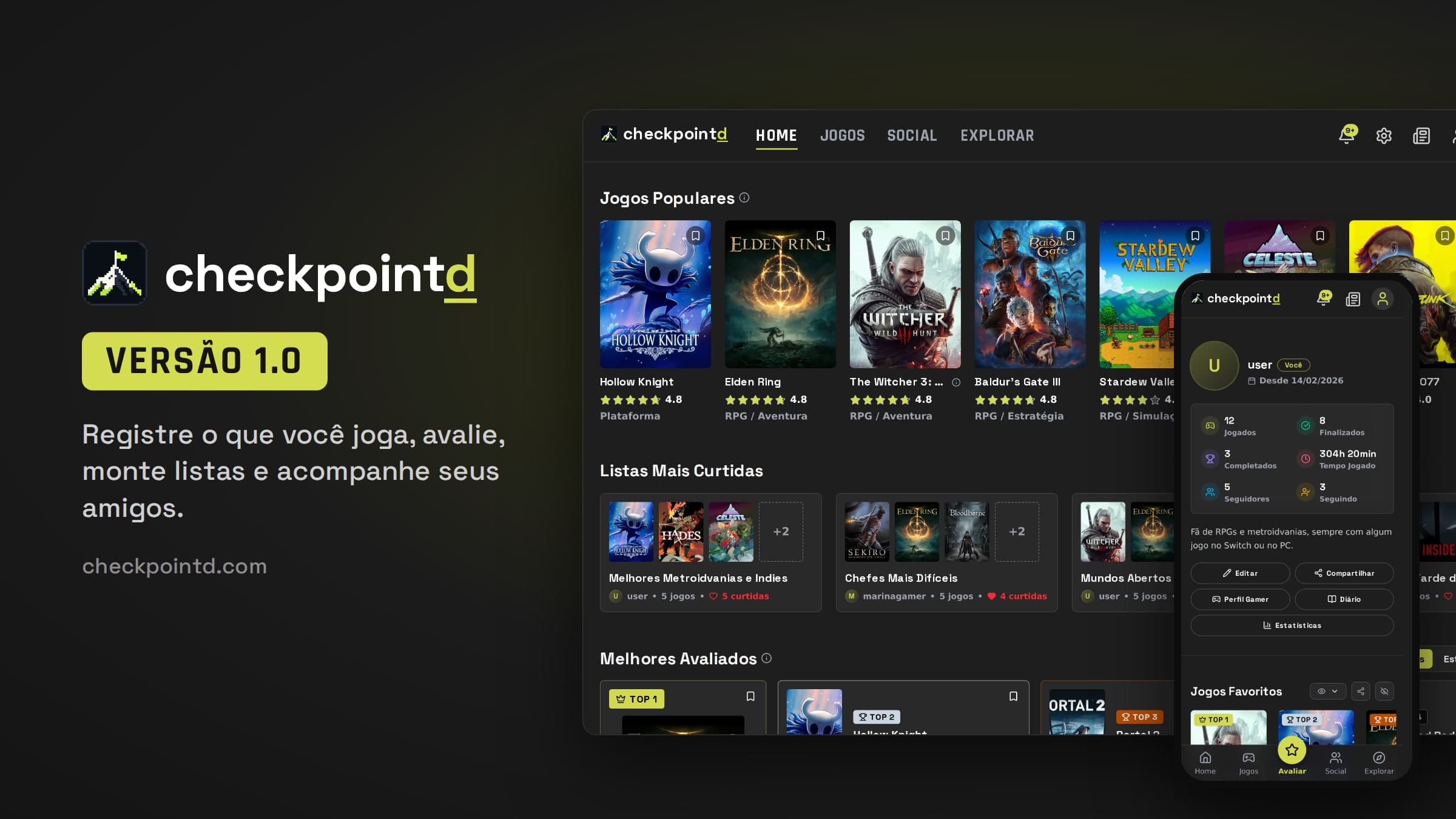
Checkpointd reaches Version 1.0
After months in development, Checkpointd is officially live: track what you play, rate games, create lists and tier lists, build your gamer profile, keep up with your friends, and discover your next game — all in one place.
Checkpointd5 min de leitura
Neste Artigo12
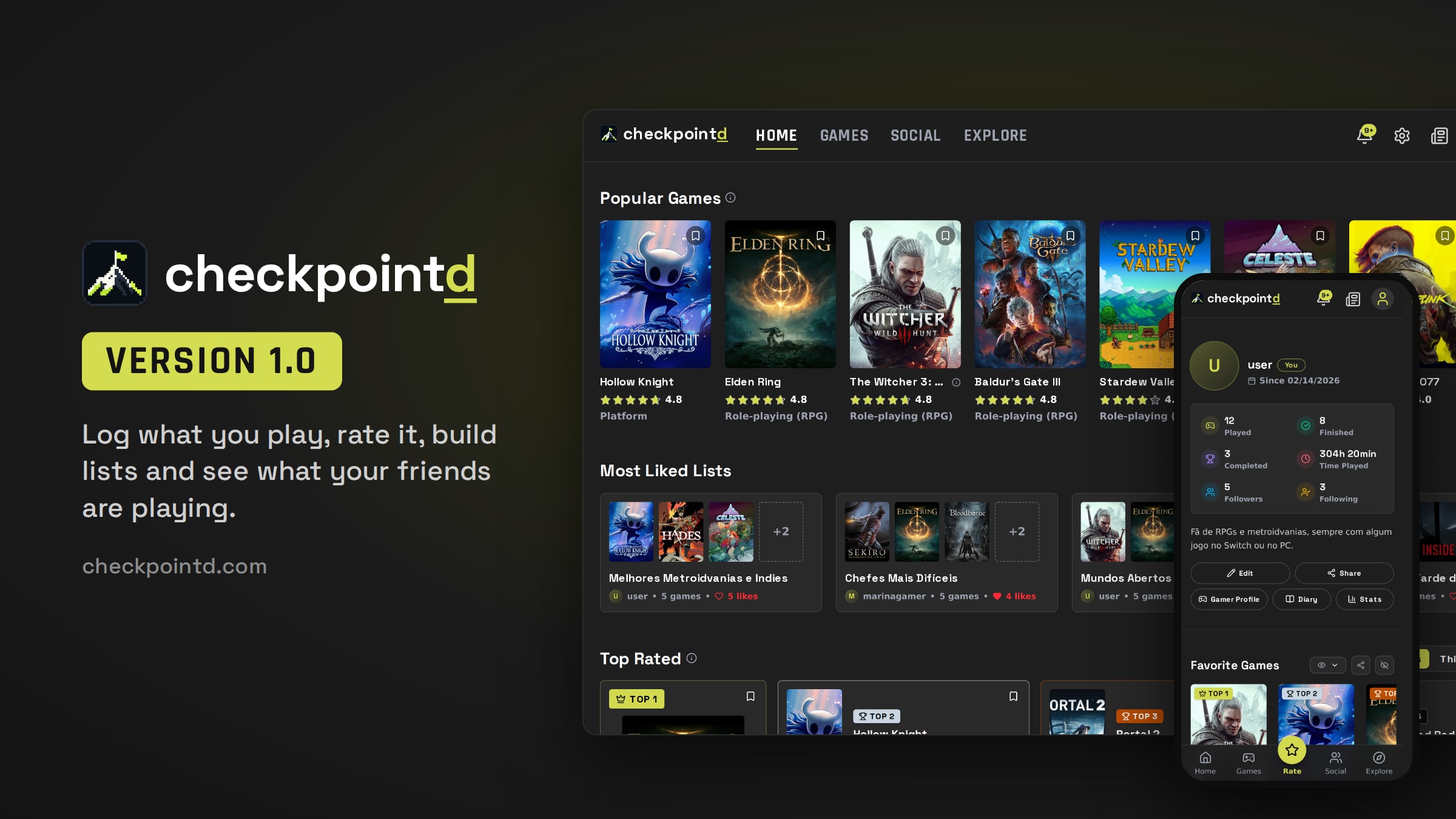
Today Checkpointd reaches version 1.0. From now on, anyone can sign up and start keeping track of every game that's been part of their life.
A place to keep track of what you play and preserve your history with games.
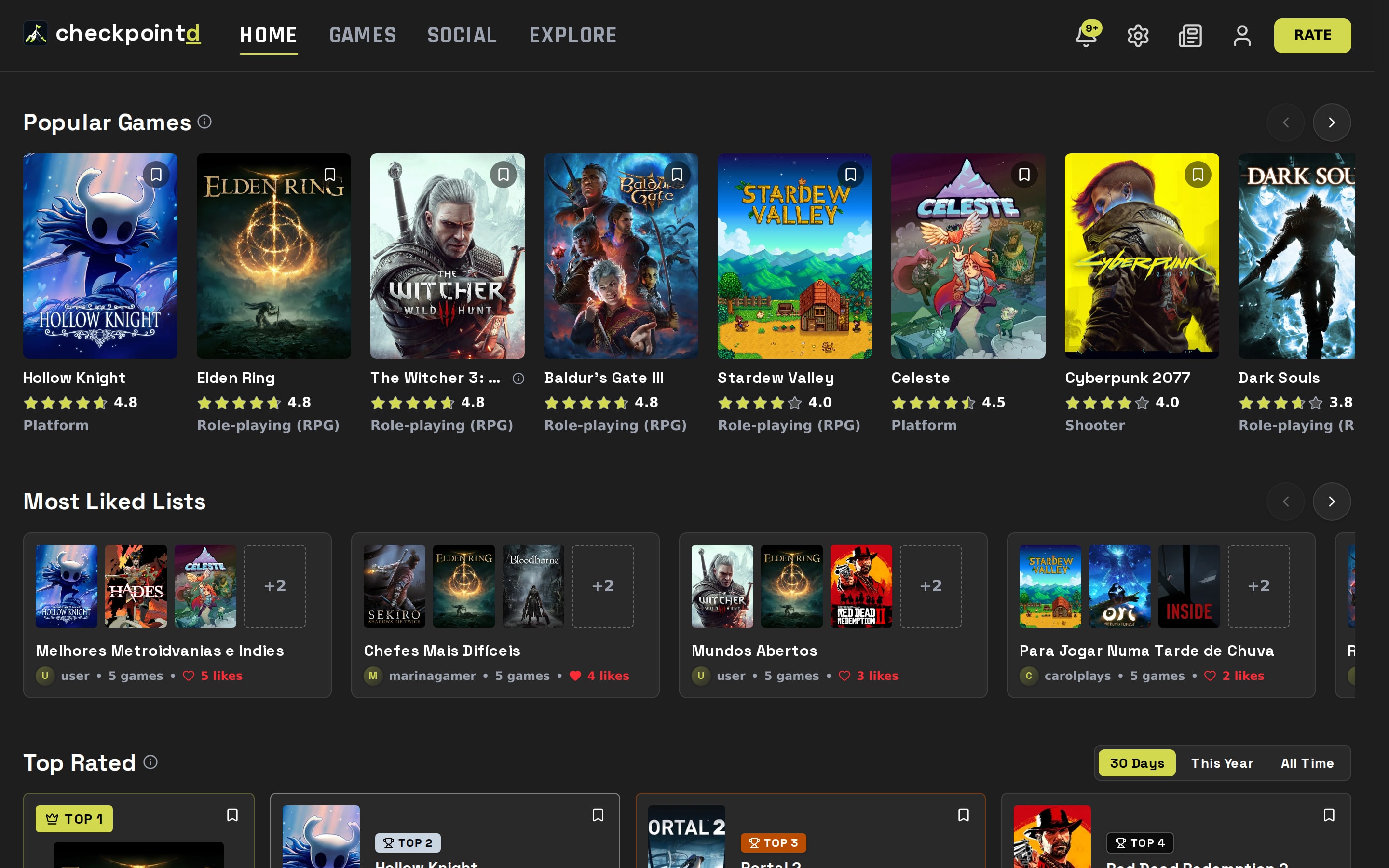
Here's a rundown of everything that ships with v1.
Log Every Game#
Your game log is the heart of Checkpointd. The Rate button is on every page, so saving what you played takes a few seconds.
- Ratings from half a star to five stars, with a written review, a like, a spoiler warning and @mentions for friends.
- Details for each playthrough: platform, start and finish dates, whether you did the main story or went for 100%, and whether you played solo or with someone.
- Play sessions with duration and notes, which feed into your diary.
- Currently Playing and Wishlist, with a heads-up when a game on your wishlist comes out.
- Custom covers so your collection looks the way you want.
Complete Game Pages#
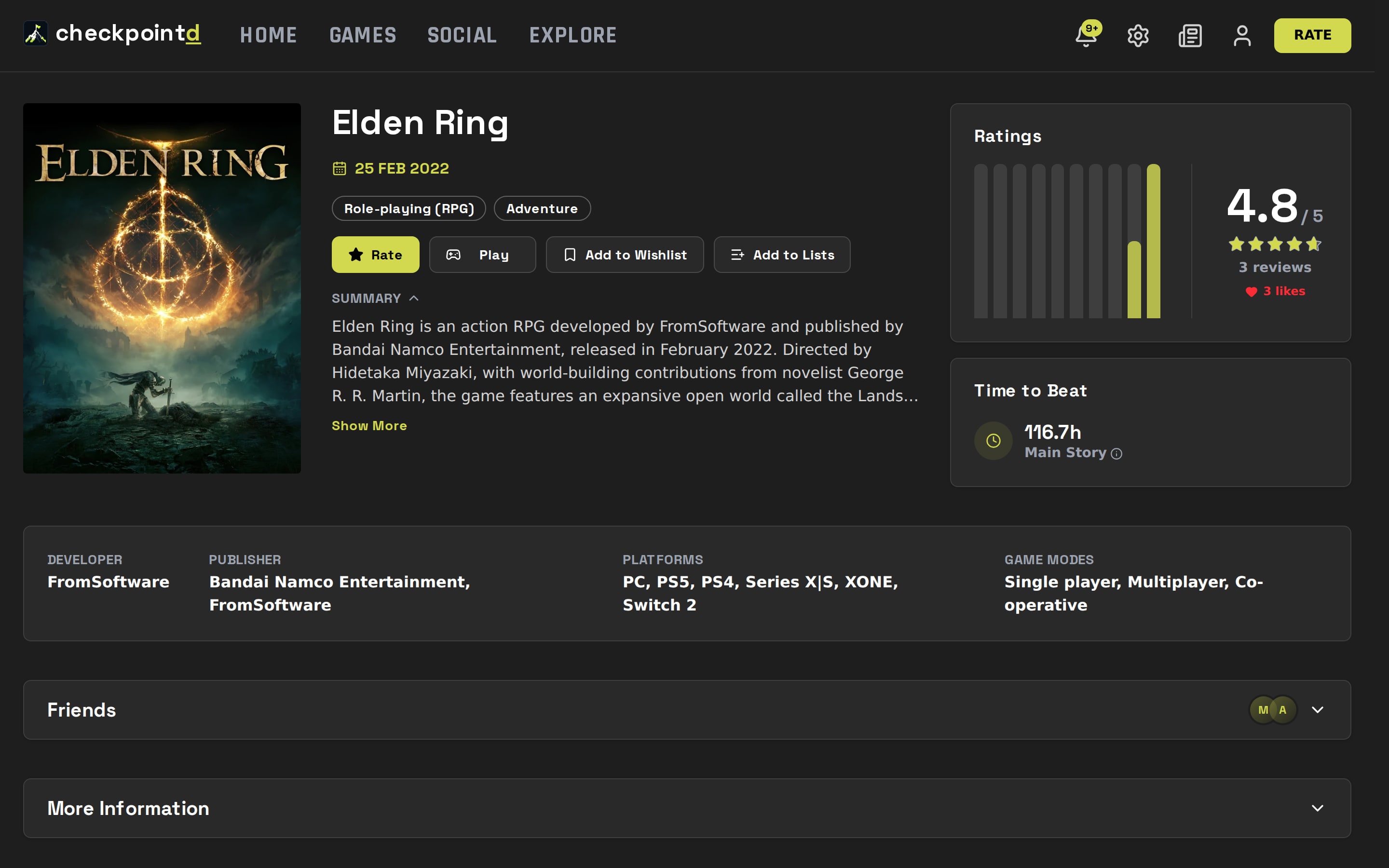
Every game has its own page with the rating and its distribution, time to beat calculated from people who played it, trailer and screenshots, other versions like remasters and ports, The Game Awards nominations, community reviews, lists that include the game and the latest related news.
Your Profile, Your Story#
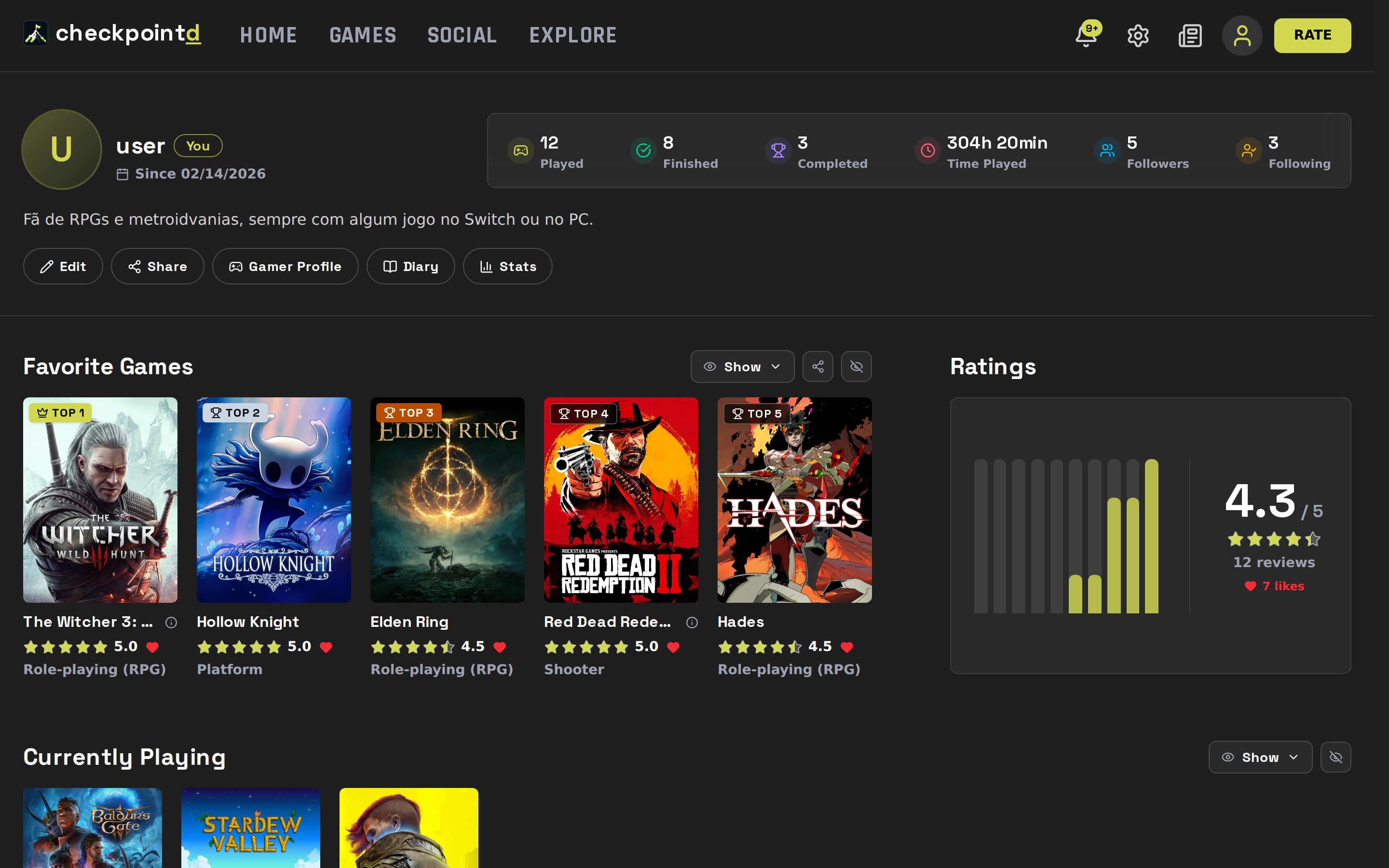
Your profile is your showcase: a banner with art from any game, a bio, your top five, what you're playing right now, your reviews and your lists.
Gamer Profile#
Build your Gamer Profile by picking categories like favorite game, favorite RPG, franchise, studio, platform or genre. You can adjust the cover on each card, reorder the categories and choose between square or round cards.
Stats and Diary#
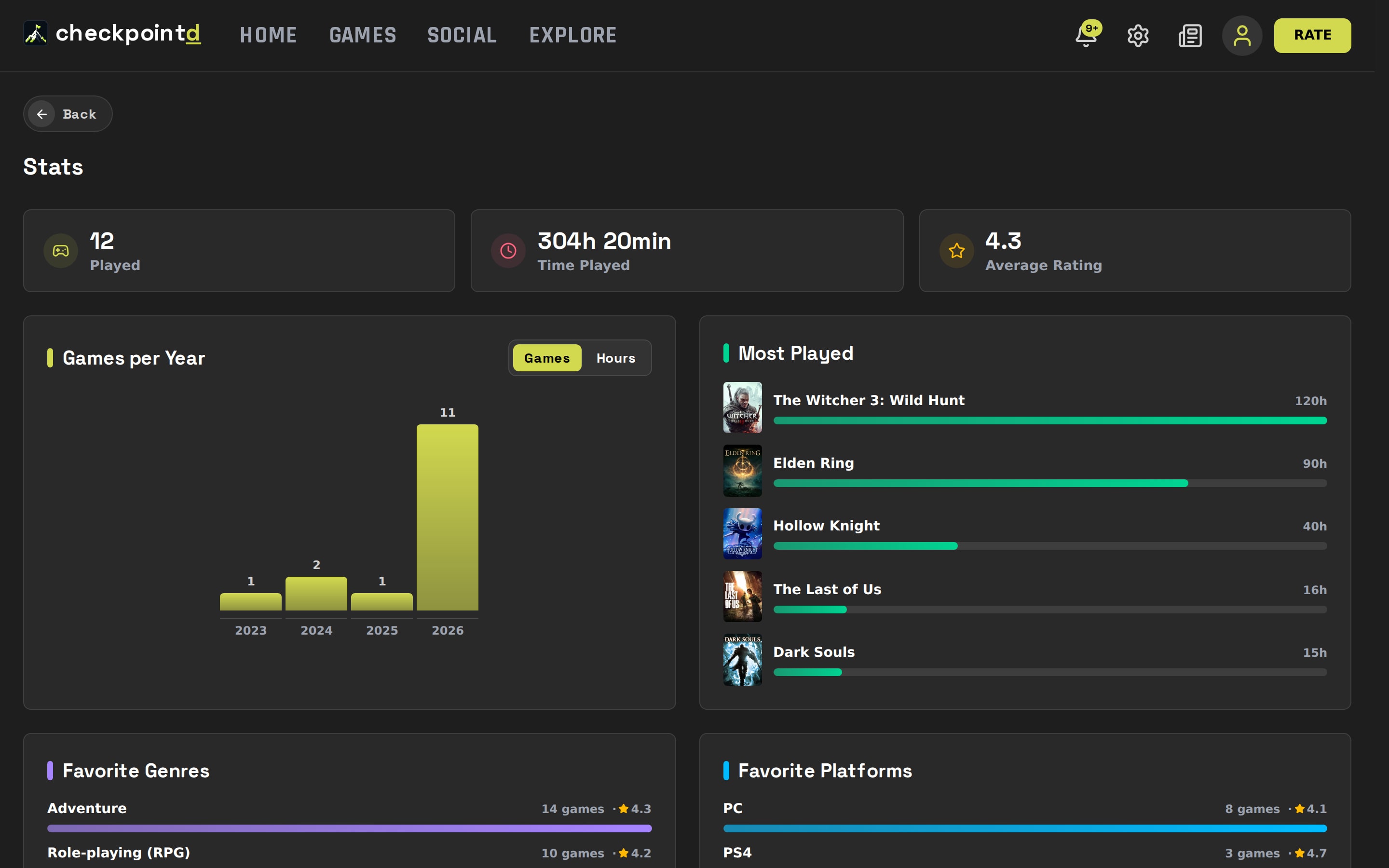
If you like numbers, the Stats page shows games and hours per year, your most played games, your favorite genres and platforms, how many of your games you've finished and who you play with the most. The Diary lays out your sessions and the games you finished, month by month.
Every Screen Your Way#
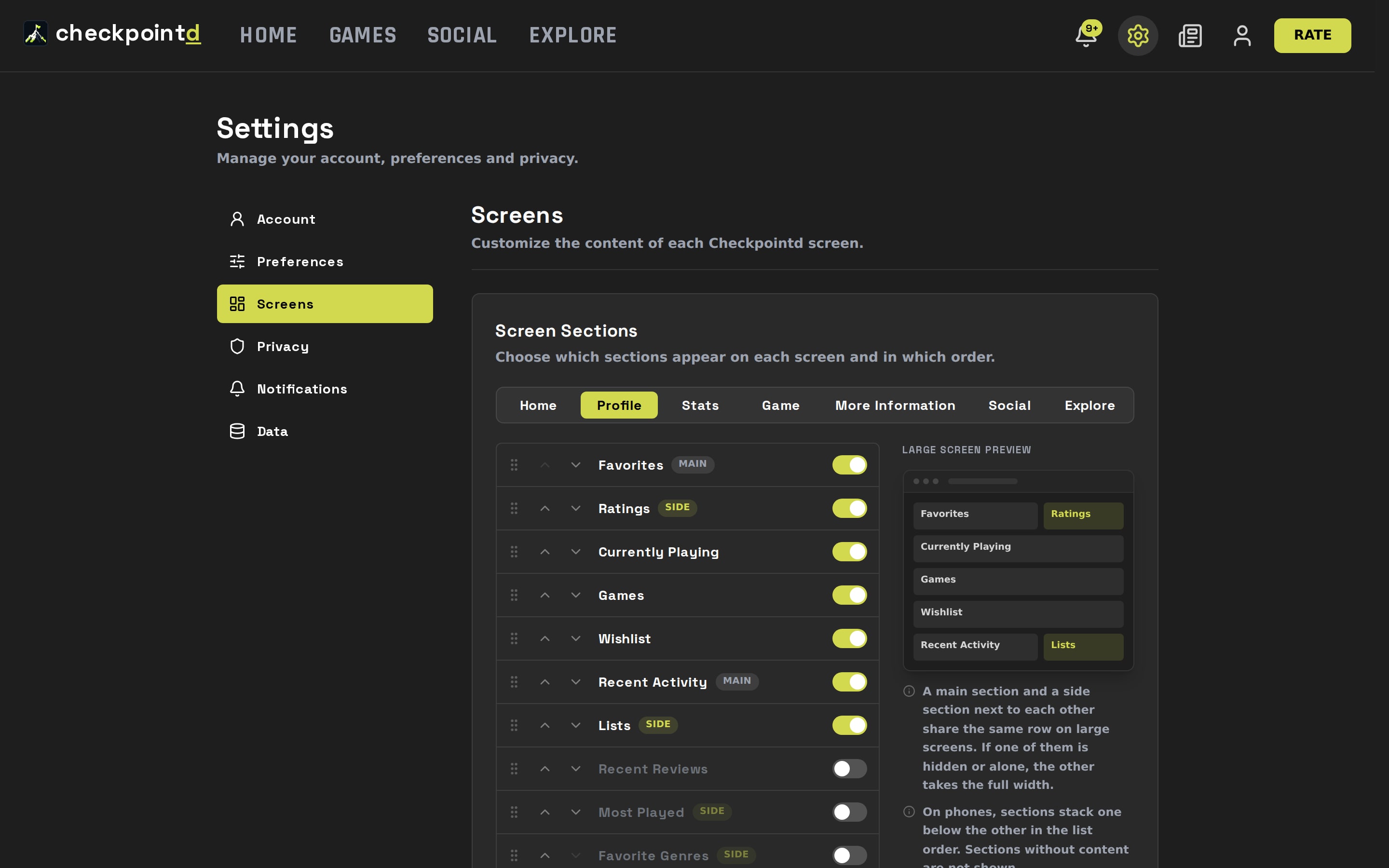
Not everyone wants to see the same things. In Settings › Screens, you pick which sections show up on Home, your Profile, Stats, each game page, Social and Explore, and in what order. Just toggle each section on or off and drag to rearrange. A preview on the side shows how the screen will look on desktop.
Lists and Tier Lists#
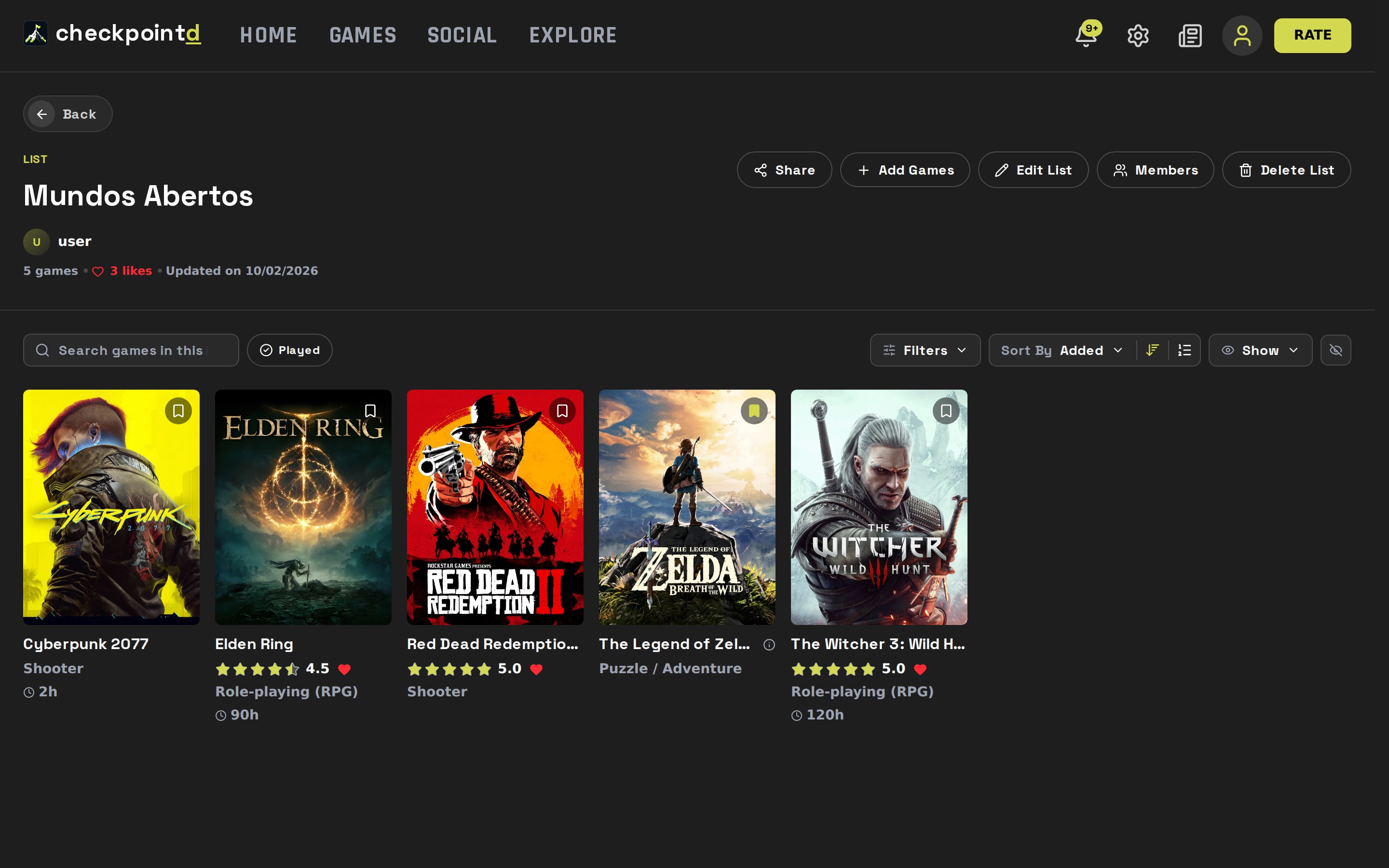
Build lists however you like: ranked, unordered or as a tier list, with custom tiers and colors, dragging games between rows (or tapping to move them on mobile). Lists can be private and also collaborative: invite friends to build them with you.
Play Along with Your Friends#
The Social tab shows what the people you follow are up to, with filters for reviews, lists, playthroughs and wishlist. It also has the week's top reviews, friends playing right now and the games trending among them.
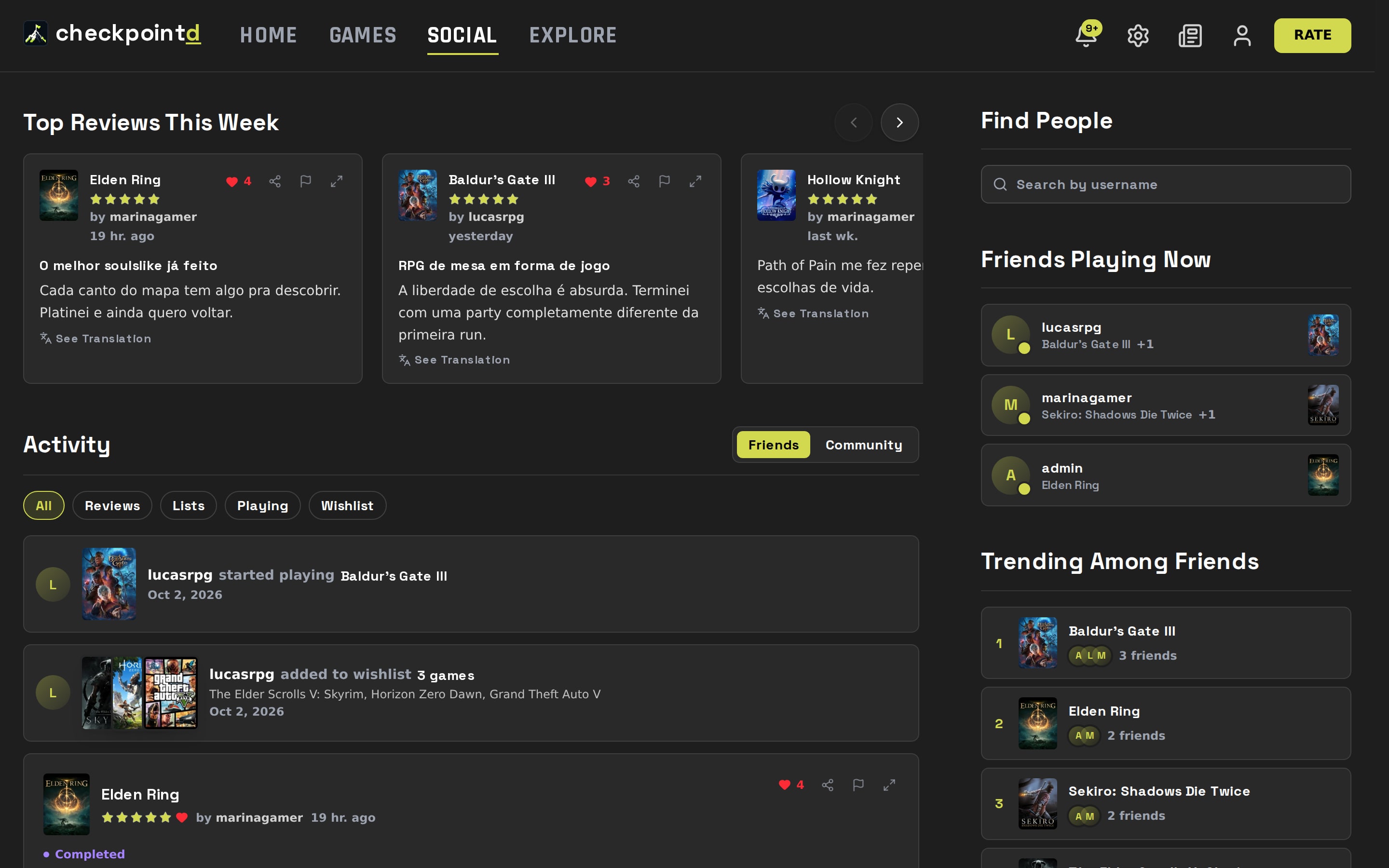
The bell lets you know when someone follows you, likes your reviews and lists, mentions you or invites you to a list, and each type of notification can be turned off in settings.
Share#
Reviews, lists, favorites, your profile and your gamer profile can be shared with a link or with a ready-made image, including in the Instagram stories format.
Find Your Next Game#
- Catalog with filters for genre, platform, game mode, developer, franchise, year and rating, and a search that handles accents and roman numerals.
- Release calendar, month by month, with a filter for games on your wishlist.
- Explore, with the week's trending lists and pages for franchises, developers and platforms.
- The Game Awards, with winners and nominees from every year.
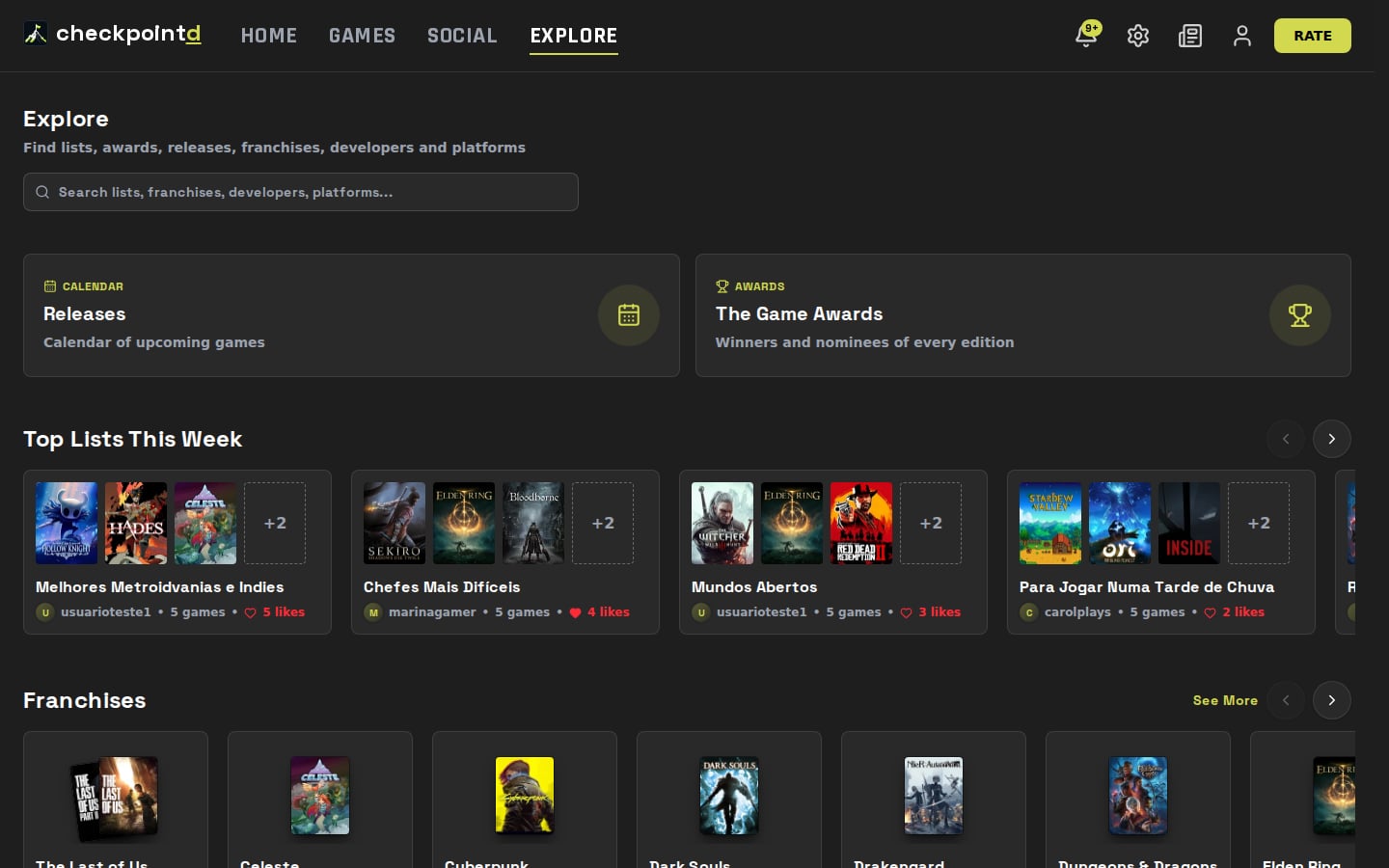
The catalog is updated every day with data from IGDB, so new releases show up here as soon as they're announced.
News#
This section is new too. This is where you'll find Checkpointd updates and the most relevant news from the gaming world, always with the original source credited and linked to the game pages.
Security and Your Data#
- Export everything you've logged as a PDF, spreadsheet or JSON, whenever you want.
- Block users you don't want around: they can't follow you or interact with you.
- Log out of all devices at once, right from settings.
- Report reviews, lists and profiles that break the community rules.
- English and Portuguese, on desktop and mobile.
Found a problem or have an idea? Use Send Feedback in your profile menu: every message gets read.
Thanks for being part of Checkpointd's beginning!